How Much Does Live Streaming Cost? Complete UK Pricing Guide

live streaming costs UK

The Cost of Live Streaming an Event in the UK: Complete Pricing Guide (2025 / 26)

Live streaming has quickly become an essential part of modern events — from conferences and awards nights to product launches, corporate announcements and hybrid gatherings. But one question comes up every time:

“How much does it cost to live stream an event in the UK?”

The truth is that live streaming prices vary widely depending on equipment, crew, venue, internet setup and the level of production quality you need. This guide breaks down every cost factor so you can budget confidently and understand what you’re really paying for.

What Affects the Cost of Live Streaming an Event?

Several elements contribute to a professional live stream quote. Below are the most important factors that determine the final price.

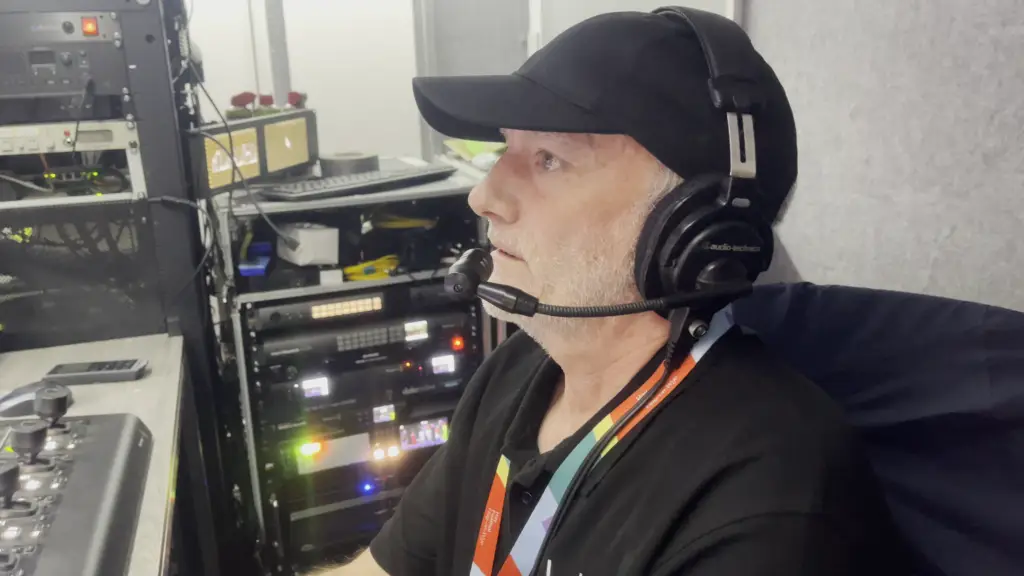
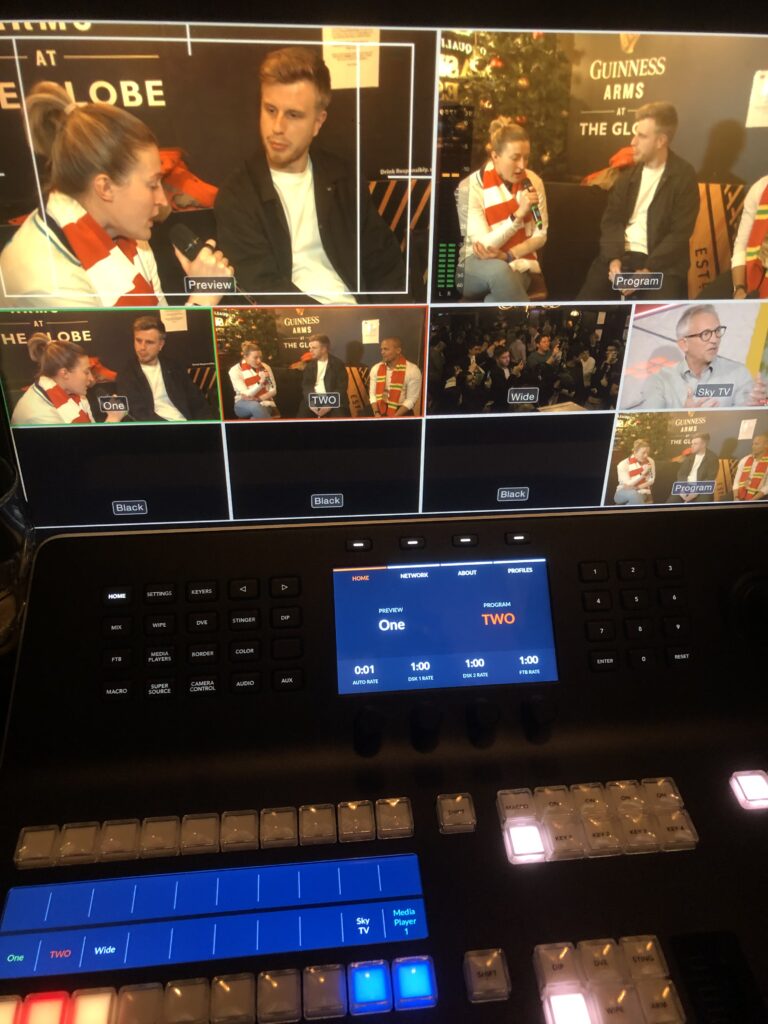
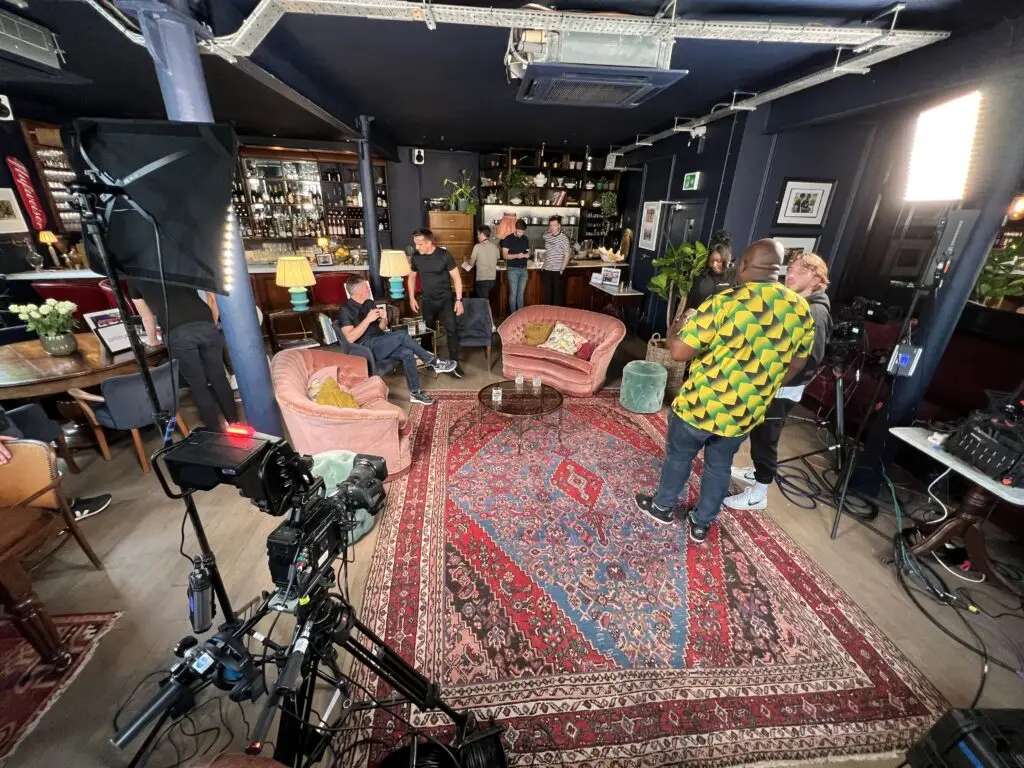
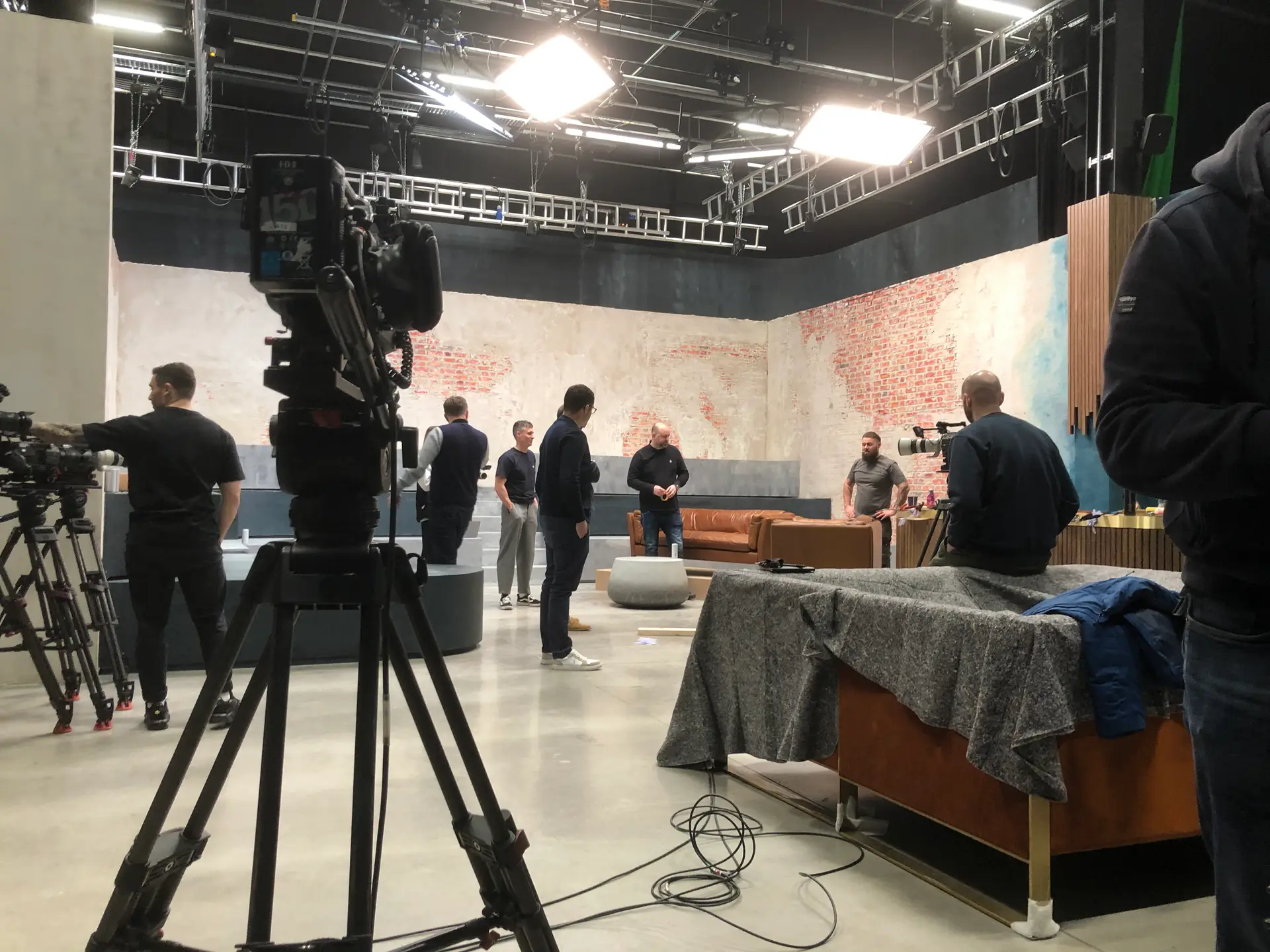
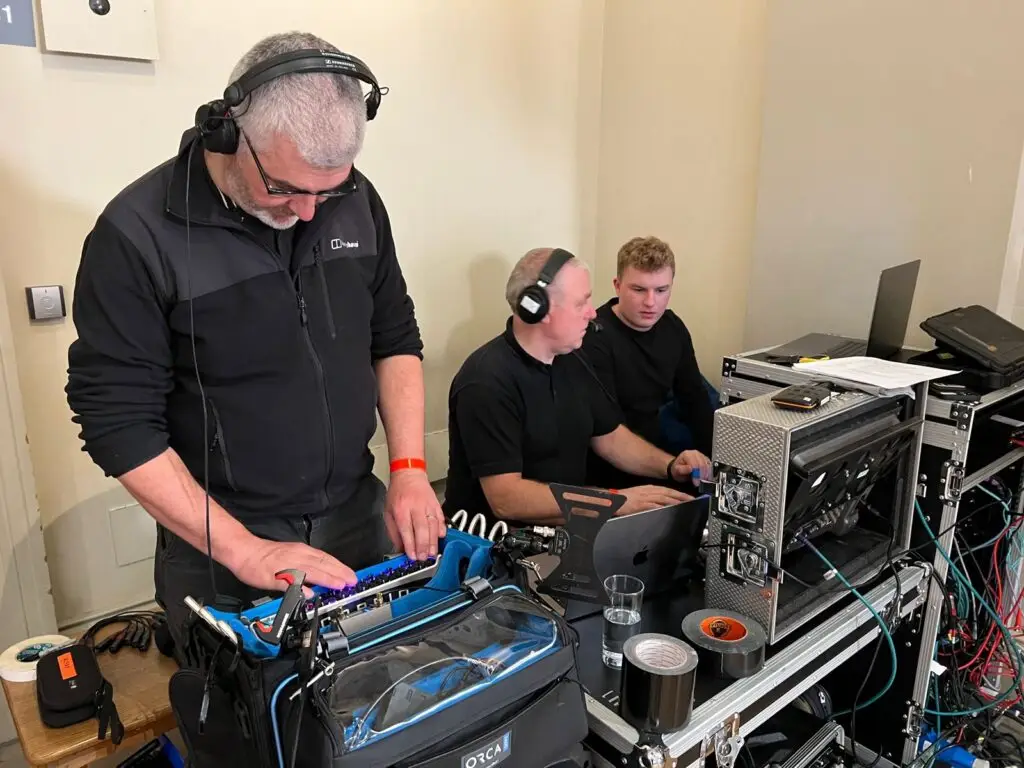
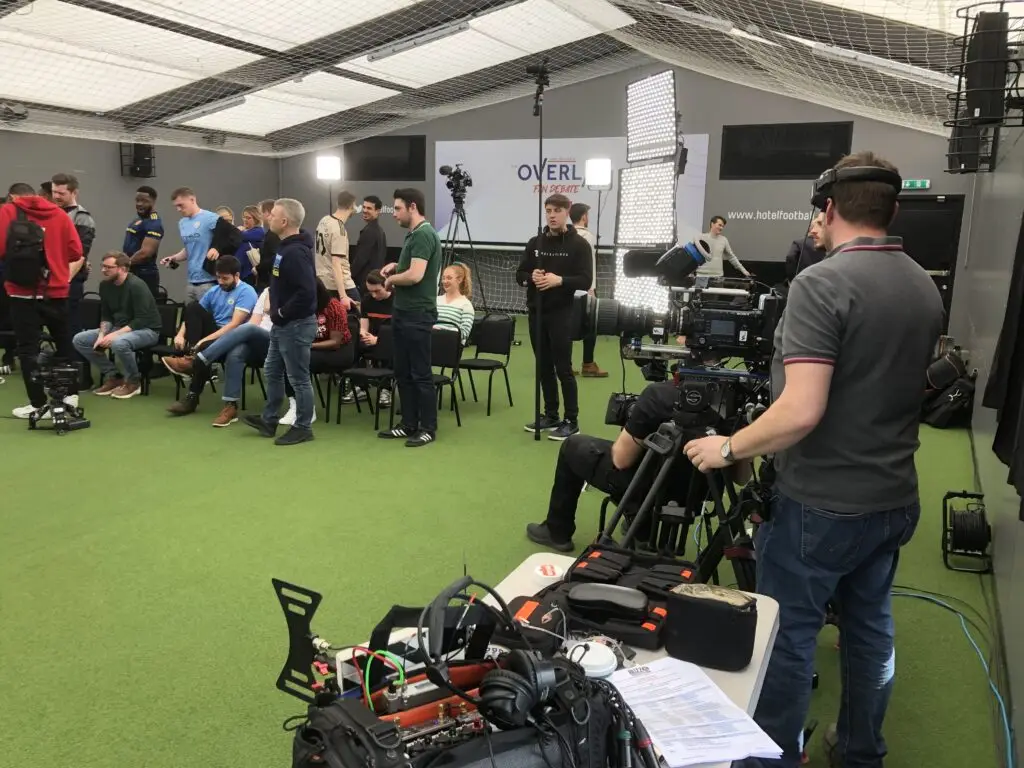
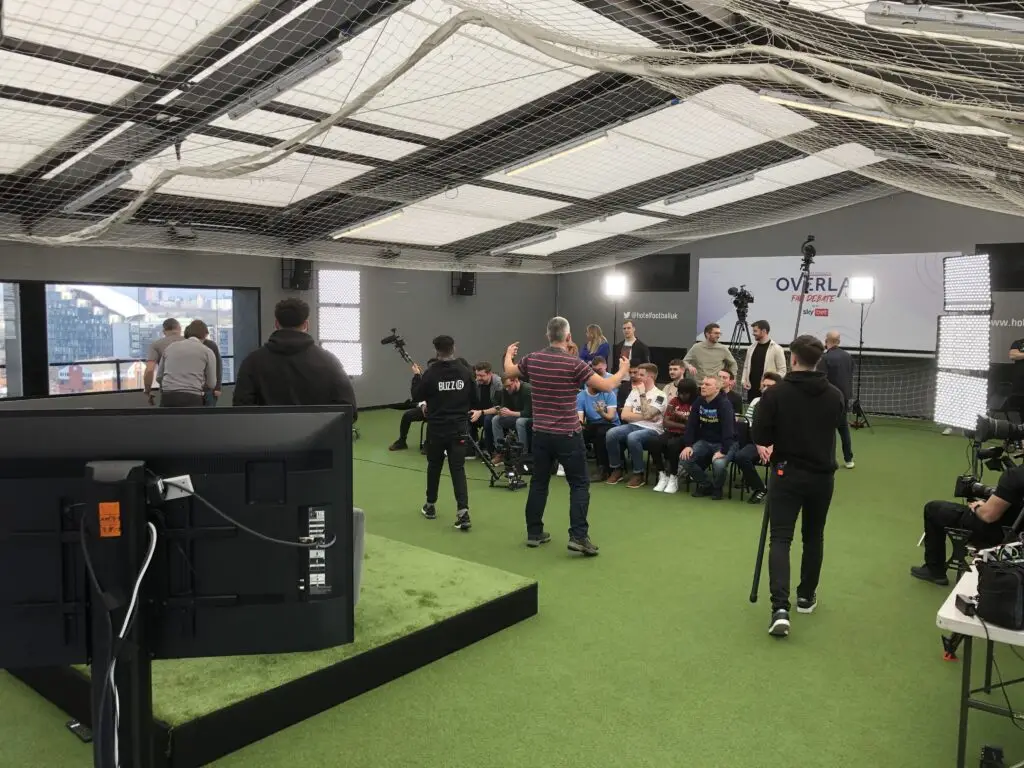
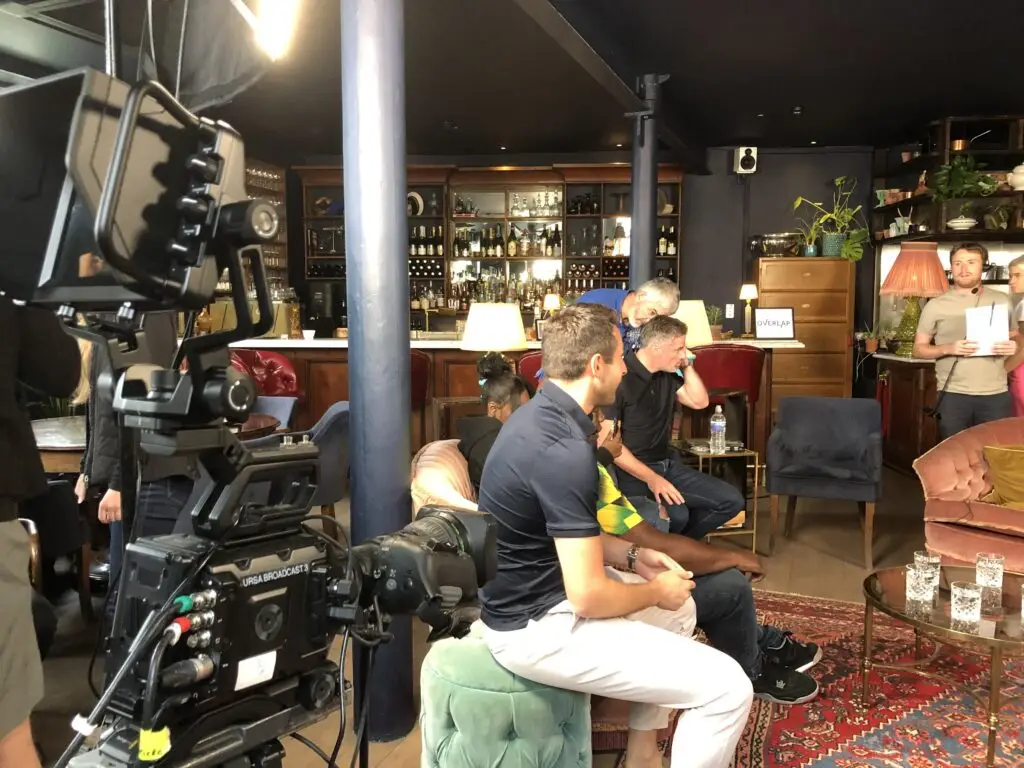
Gary Neville being ‘mic’d up for the filming of ‘The Overlap’

Camera Quality and Number of Angles

Your choice of cameras has a major impact on both quality and budget.

Single-Camera Streams

Ideal for simple presentations, lectures or internal company announcements.

  • Lowest-cost option

  • Minimal crew required

  • Limited visual variety

Multi-Camera Streams

Recommended for high-quality broadcasts, events with live audiences, panel discussions or performances.

  • More dynamic and engaging

  • Requires additional operators

  • Higher equipment and crew costs

Typical camera setups:

  • 1 camera — basic events and static presenters

  • 2–3 cameras — most corporate or hybrid events

  • 4+ cameras — complex productions, concerts, large stages

 Streaming Platforms and Tech Infrastructure

Your live stream needs a destination: YouTube, Vimeo, Facebook, Teams, Zoom, a private landing page, or secured login portal.

Costs depend on:

  • Platform choice (free or paid)

  • Privacy requirements

  • Custom branding or bespoke player

  • Simultaneous streaming to multiple platforms

Professional production teams manage encoding, streaming stability and backups — all key to avoiding dropouts.

 Recording, Editing and On-Demand Versions

Most clients want a recording after the event.

Options include:

  • Basic event recording

  • Edited highlight reels

  • Removing technical pauses

  • Adding graphics, titles and captions

The more polished the final video needs to be, the higher the post-production cost.

 Crew and Technical Expertise

The size of the crew depends on the complexity of your event.

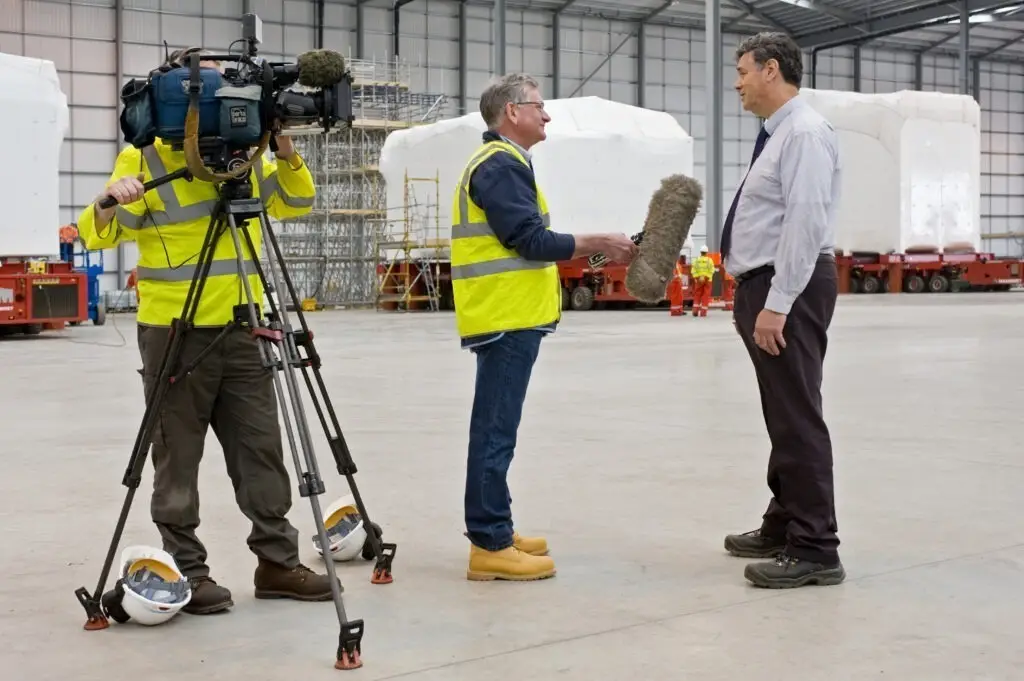
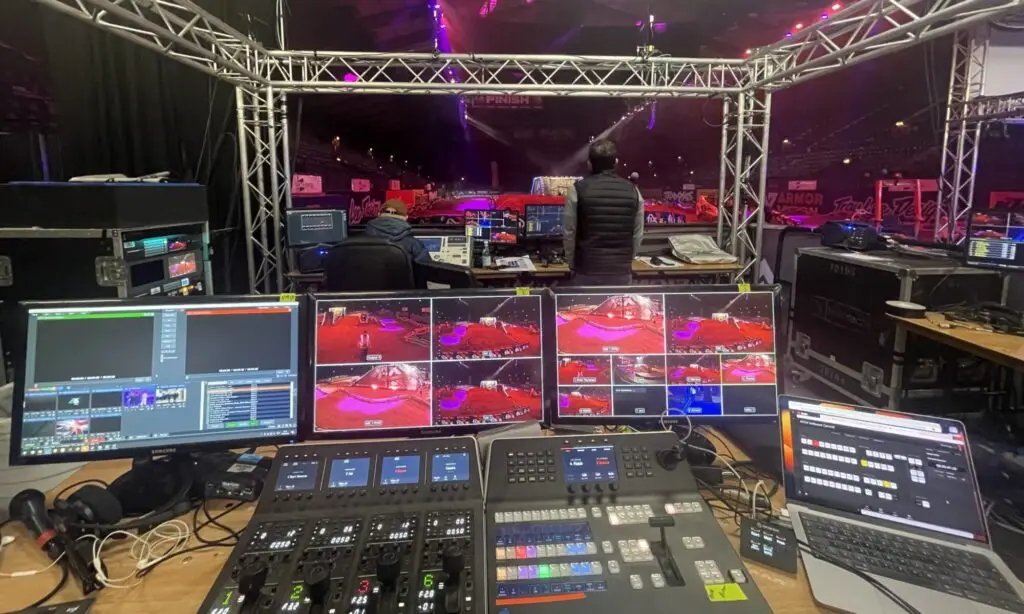
Typical live stream crew roles:

  • Streaming engineer (core operator)

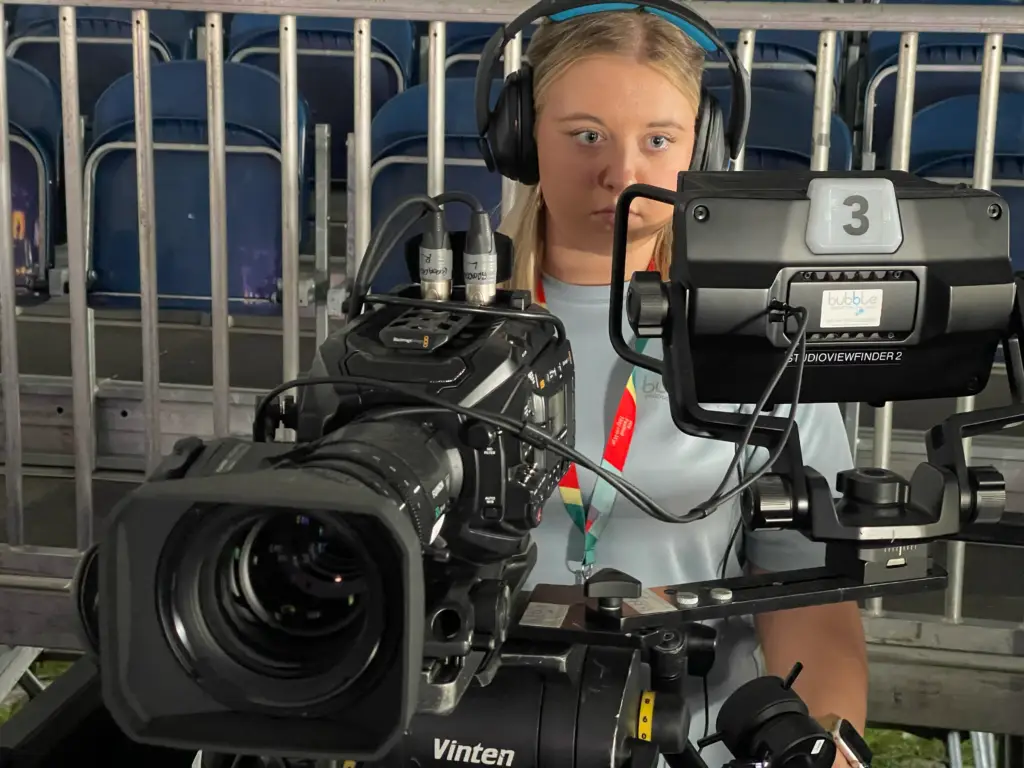
  • Camera operators

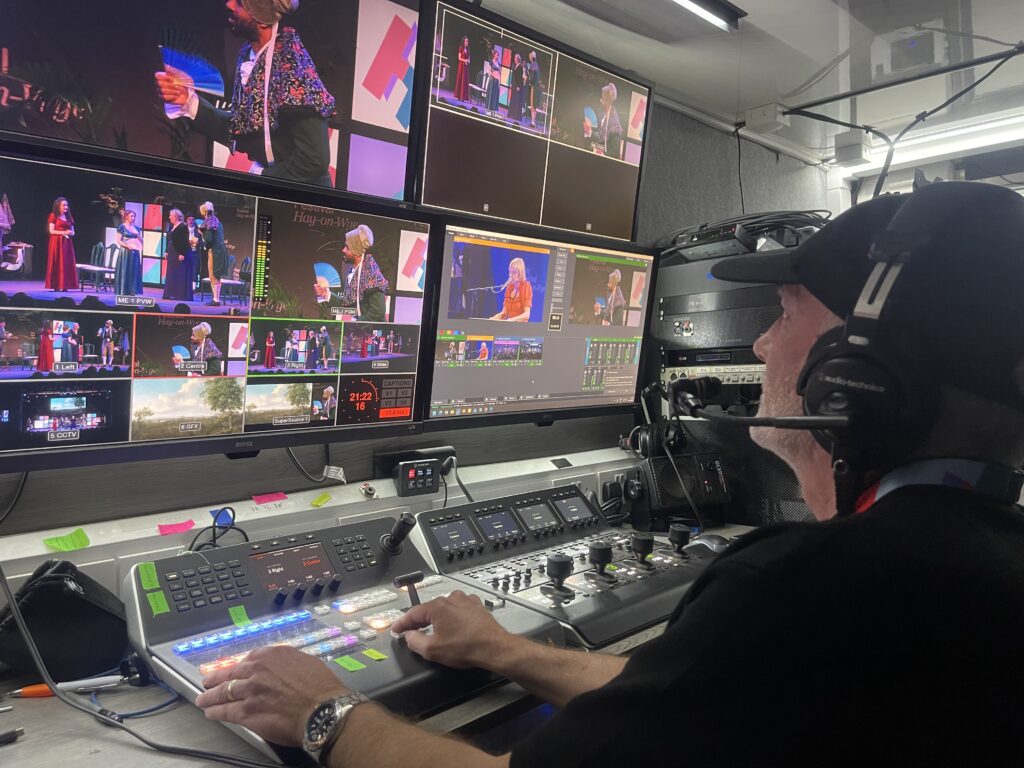
  • Vision mixer / director

  • Sound engineer

  • Graphics operator

  • Production manager

A simple setup may only require one or two people. Larger events with multi-camera coverage, roaming microphones or live graphics need more hands.

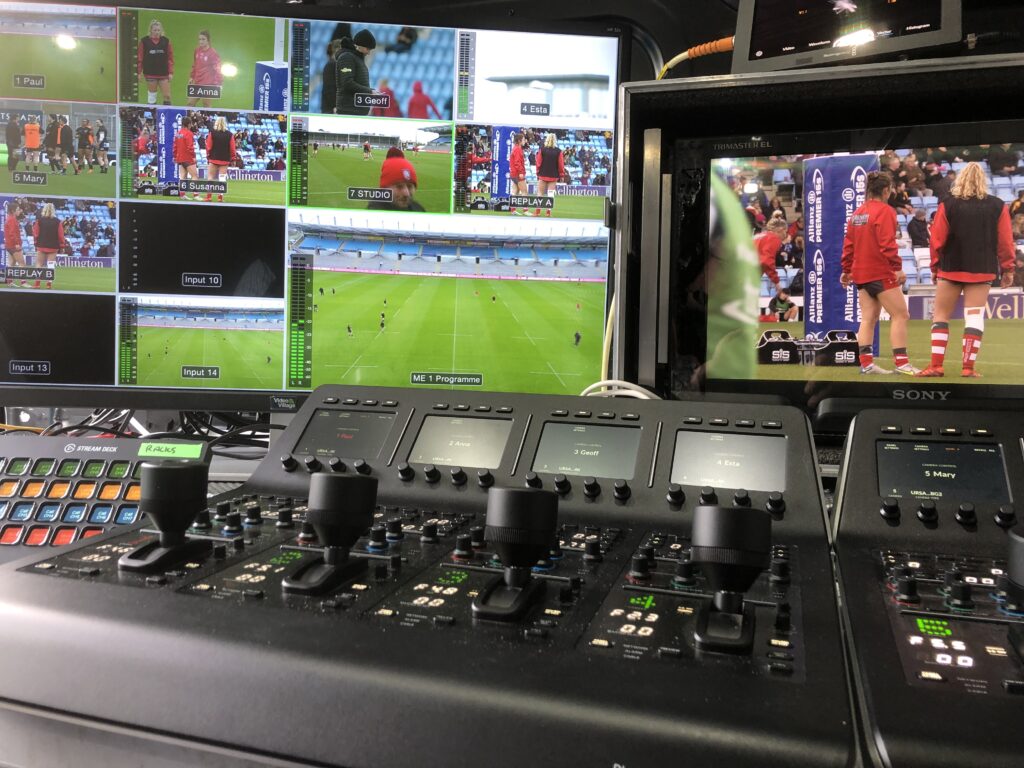
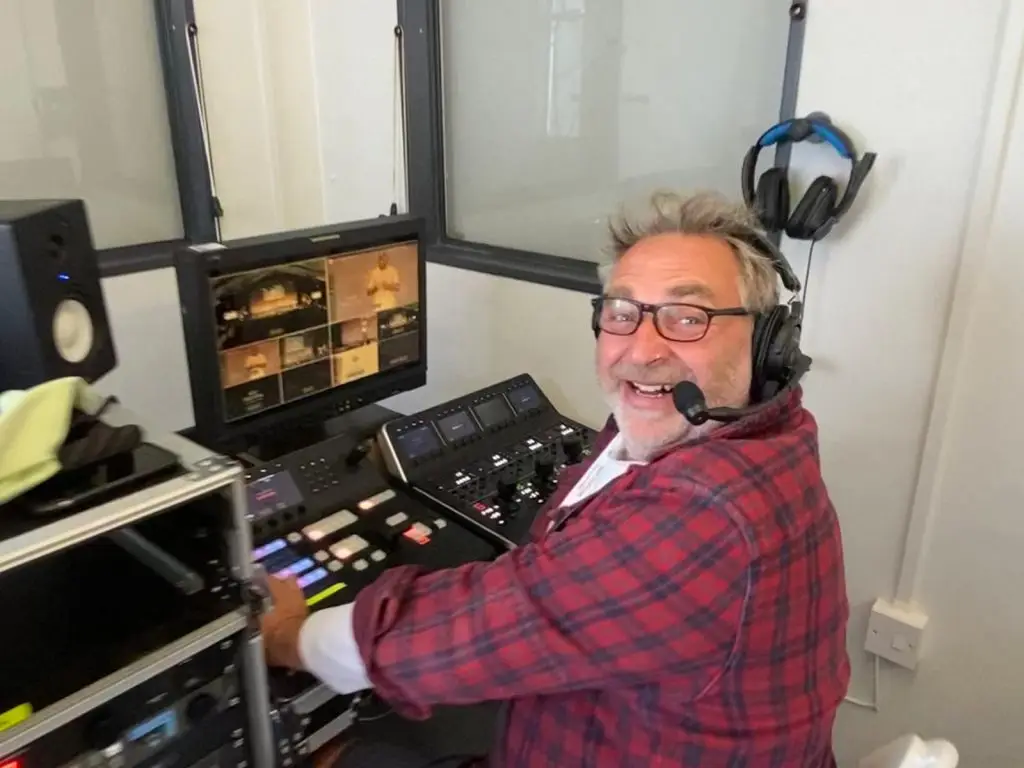
live streaming production crew
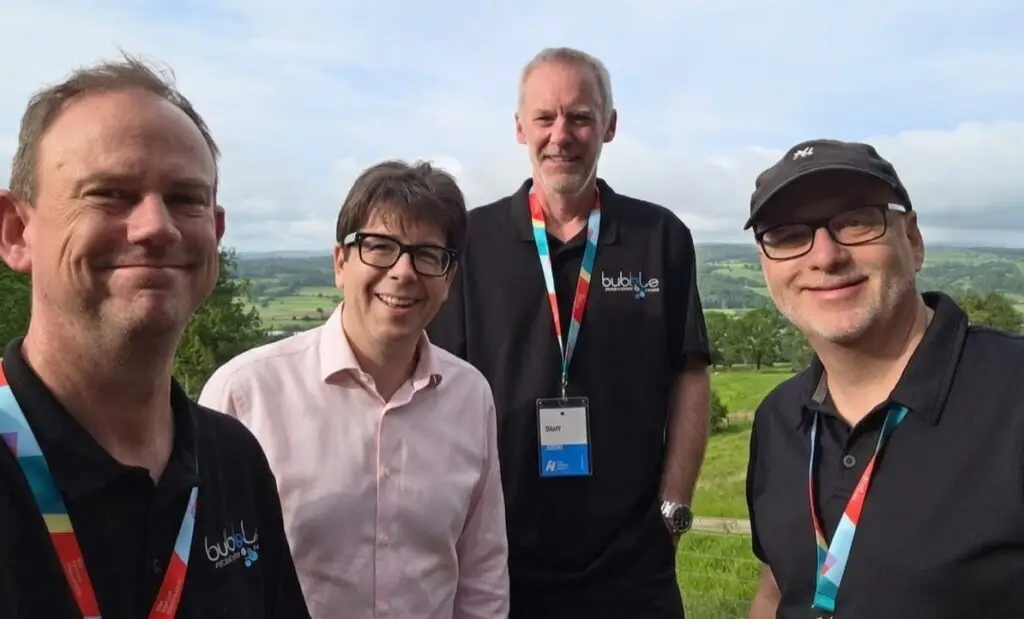
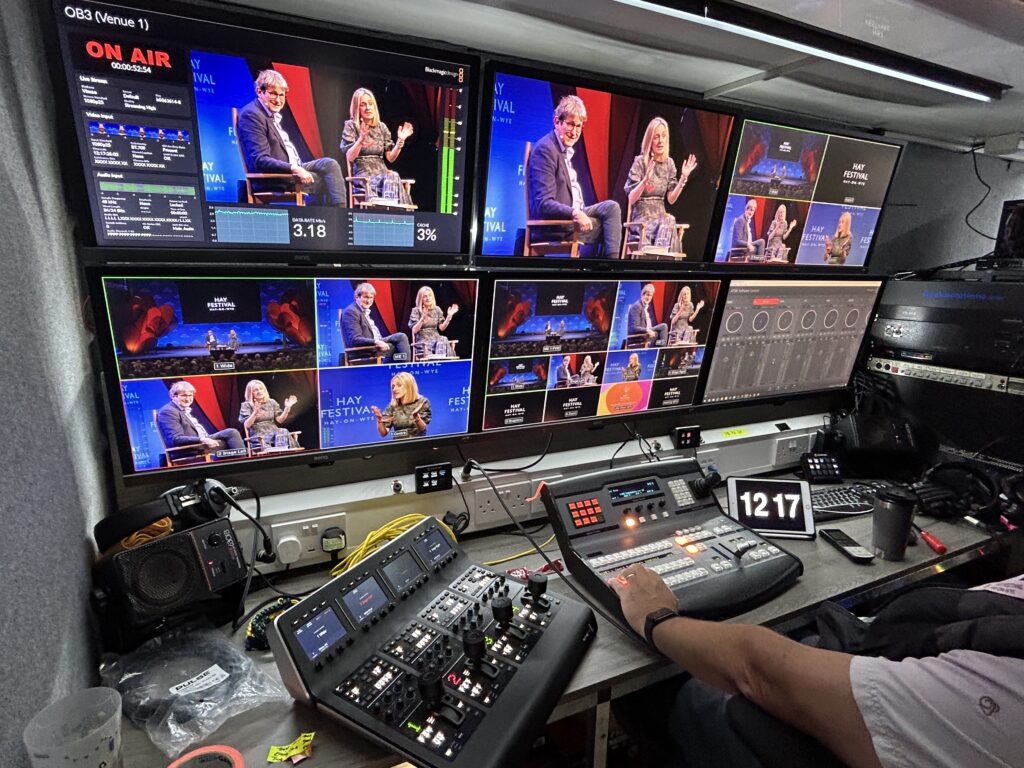
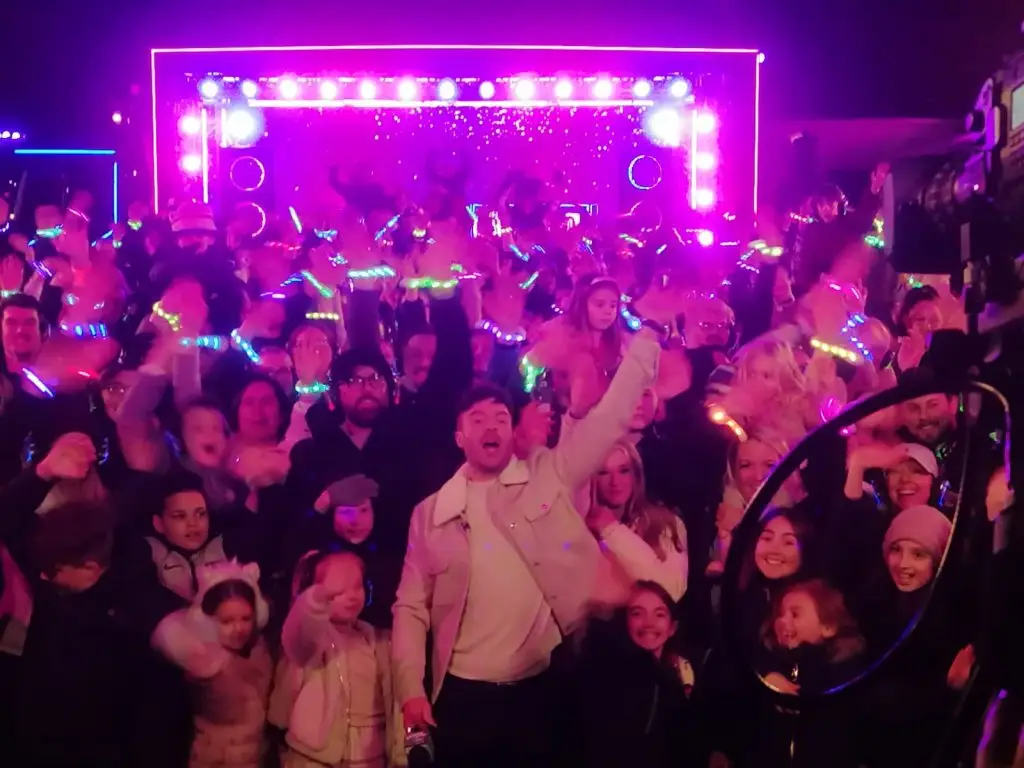
Filming at Chiswick House London

 Venue, Lighting and Audio Requirements

Every venue presents different challenges that influence cost:

  • Does the space require additional lighting for presenters?

  • Is there a sound system already in place?

  • Are there quiet areas available for production setups?

  • Is the room large enough for multiple cameras?

Good lighting and clean audio dramatically improve the viewer experience and may require additional equipment.

 Internet Connectivity — The Most Critical Factor

Reliable internet is essential for live streaming. Options include:

  • Venue Wi-Fi (unreliable unless dedicated)

  • Wired ethernet connection (preferred)

  • Bonded 4G/5G uplink units for locations with poor infrastructure

  • Satellite backup for remote areas

If the connection fails, the stream fails — so redundancy often adds cost but protects your event.

 Additional Live Stream Features (Optional Extras)

Depending on the goals of your event, you may choose:

  • Custom branded graphics and animations

  • Lower-thirds and speaker names

  • Live captions or British Sign Language interpretation

  • Multiple remote guest inputs

  • Slide capture, screenshare integration or picture-in-picture

  • Paywall or registration systems

  • Audience Q&A tools

  • Live switching between remote and in-person speakers

Each adds value but also contributes to the total budget.

So, How Much Does Live Streaming Cost in the UK?

While every event is unique, here are typical price ranges:

Basic Live Stream

Single camera, simple audio, one operator
£650–£1,200

Standard Multi-Camera Stream

Two or three cameras, graphics, full crew, reliable internet setup
£1,500–£4,500

High-End or Hybrid Event Production

Large venues, multiple operators, broadcast-level equipment, remote contributors, full branding, redundancy
£5,000–£12,000+

Your final cost depends on scale, technical requirements, add-ons and the production quality you expect.


Why Professional Live Streaming Is Worth the Investment

A great live stream helps you:

  • Reach audiences anywhere in the world

  • Increase engagement and attendance

  • Boost accessibility and replay value

  • Capture content for marketing and future use

  • Ensure a polished, reliable experience for viewers

Poor-quality streaming, on the other hand, damages your brand and risks losing your audience entirely.


Get a Personalised Live Streaming Quote

If you’re unsure what level of production your event needs, we can help.
Bubble Production specialises in professional, reliable, broadcast-quality live streaming across the UK, tailored to events of all sizes.

👉 Contact us for a customised quote and technical advice.

How We Streamed an Event to 100,000 Viewers (Behind the Scenes of a UK Broadcast Success)

live streaming production company london

Reaching 100,000+ live viewers might sound like something reserved for major broadcasters. However, with the right planning, technical infrastructure and experienced crew, large-scale live streams are more achievable than many organisations realise. Instead of relying on a single destination, this project required a fully synchronised broadcast across YouTube, Facebook Live and a private corporate platform. As a result, every component had to be designed for stability, redundancy and professional-grade quality.

At Bubble Production, we recently delivered a multi-camera broadcast that hit more than 100,000 concurrent viewers with zero buffering or downtime. Thanks to careful engineering and a robust workflow, the stream remained flawless throughout audience spikes and platform switching. This behind-the-scenes breakdown reveals exactly how we built the system — and what it takes to scale a stream to this level.

The Challenge: Delivering a Live Event to a Huge Online Audience

The client needed a real-time broadcast capable of reaching viewers on multiple platforms simultaneously. Additionally, the event required:

  • High-definition multi-camera coverage

  • Smooth branded graphics, lower thirds and sponsor content

  • Complete redundancy across all mission-critical systems

  • Zero visible interruptions for the audience

With tens of thousands expected to tune in, reliability became the top priority. Consequently, we approached the project as a full outside broadcast operation rather than a standard livestream.

The Setup: Multi-Camera, Multi-Platform and Fully Redundant

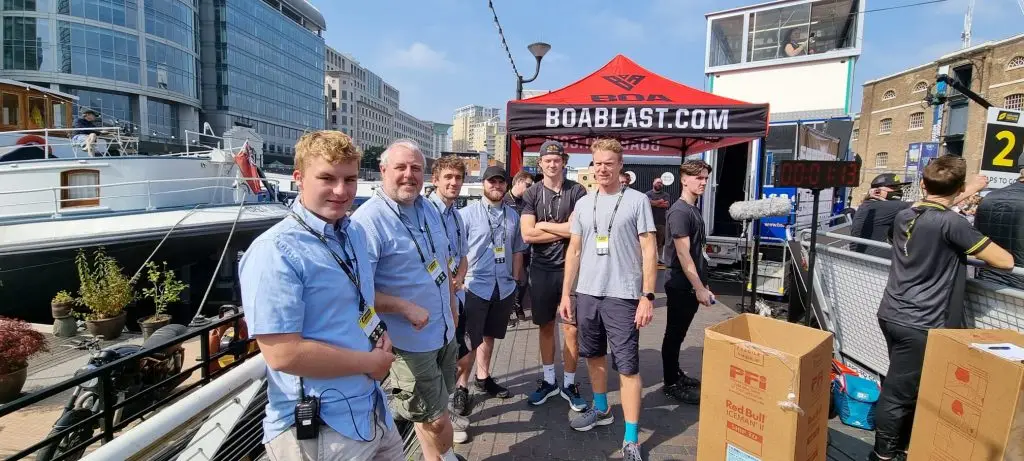
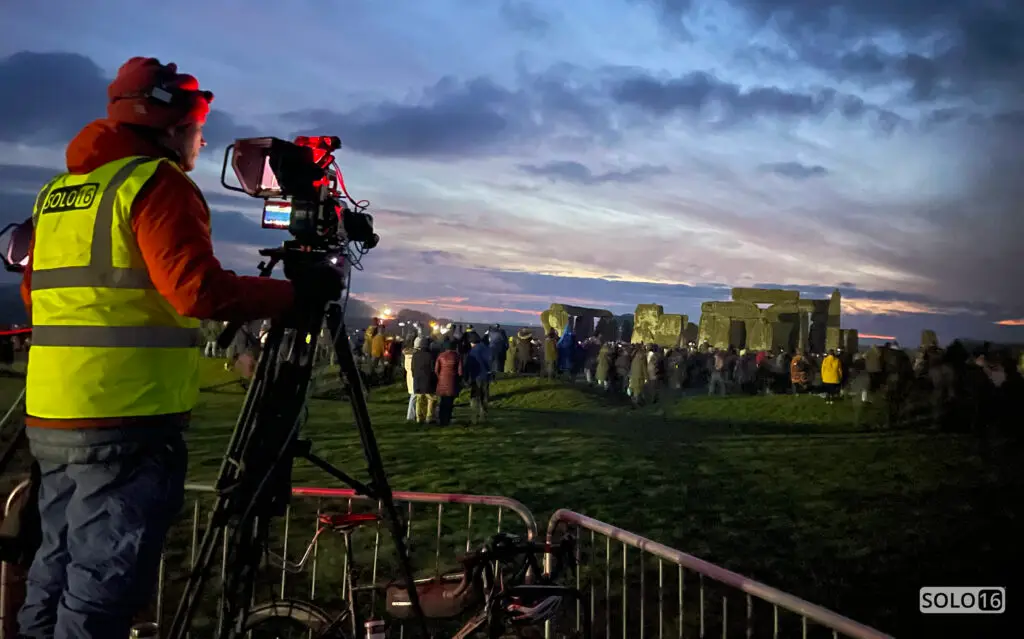
Bubble Production multi-camera crew filming a national event
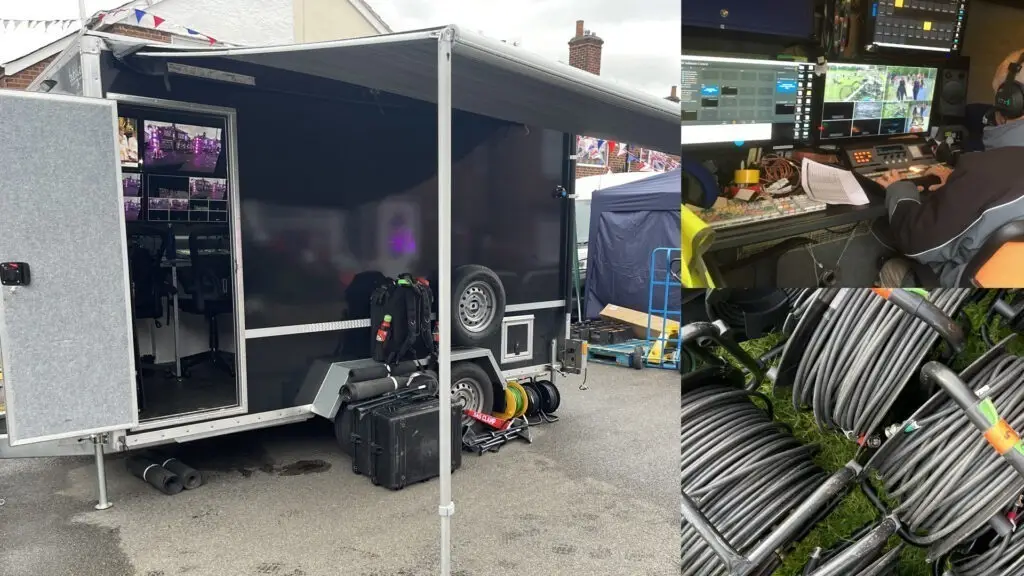
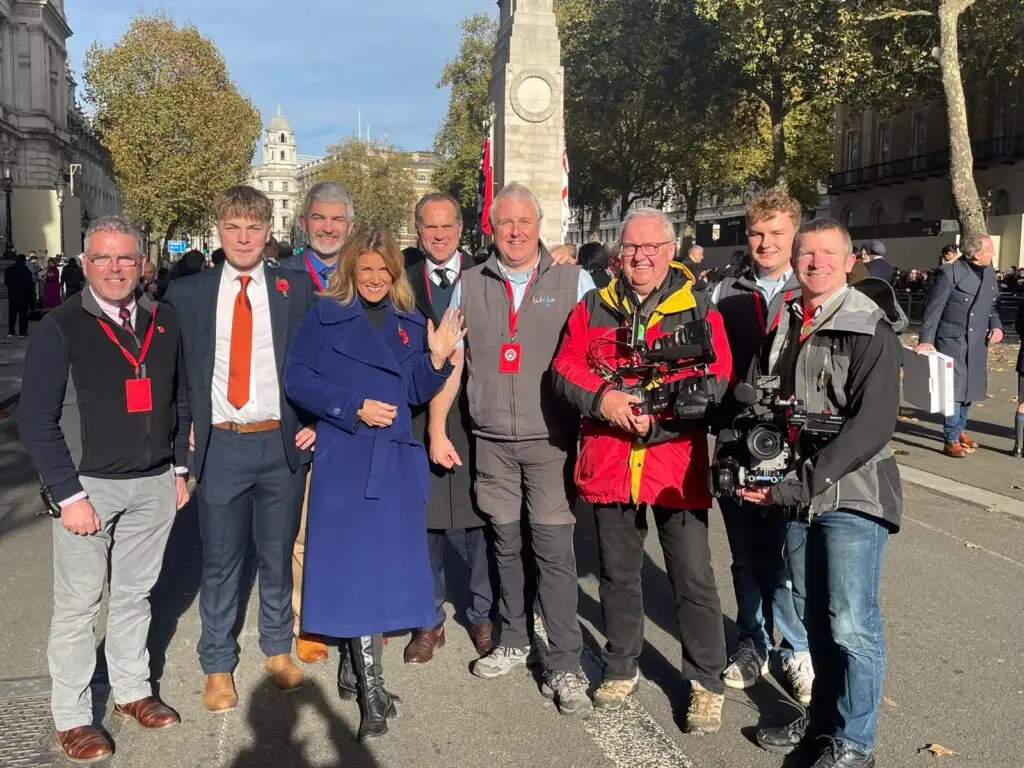
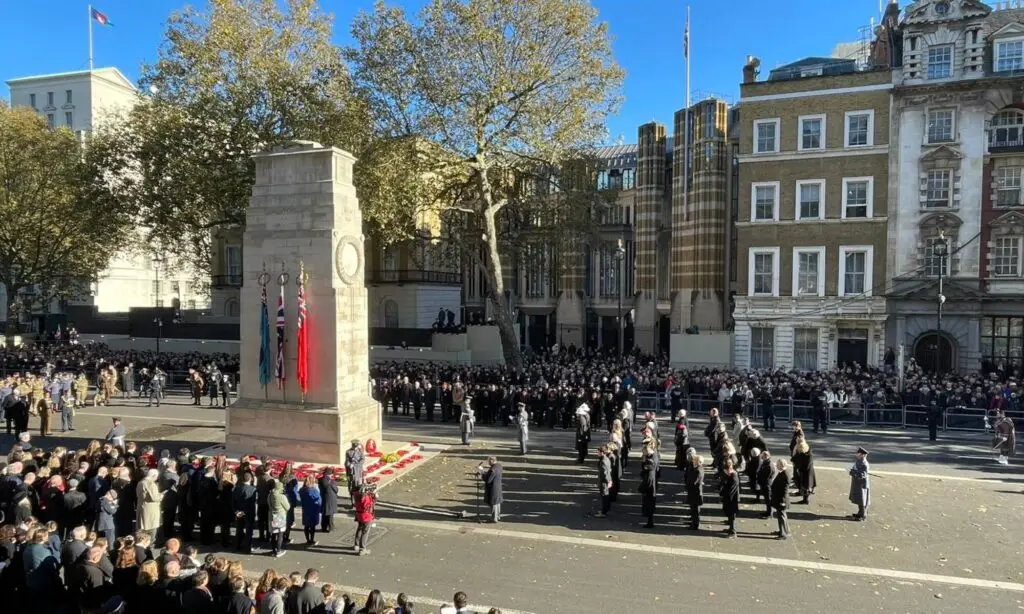
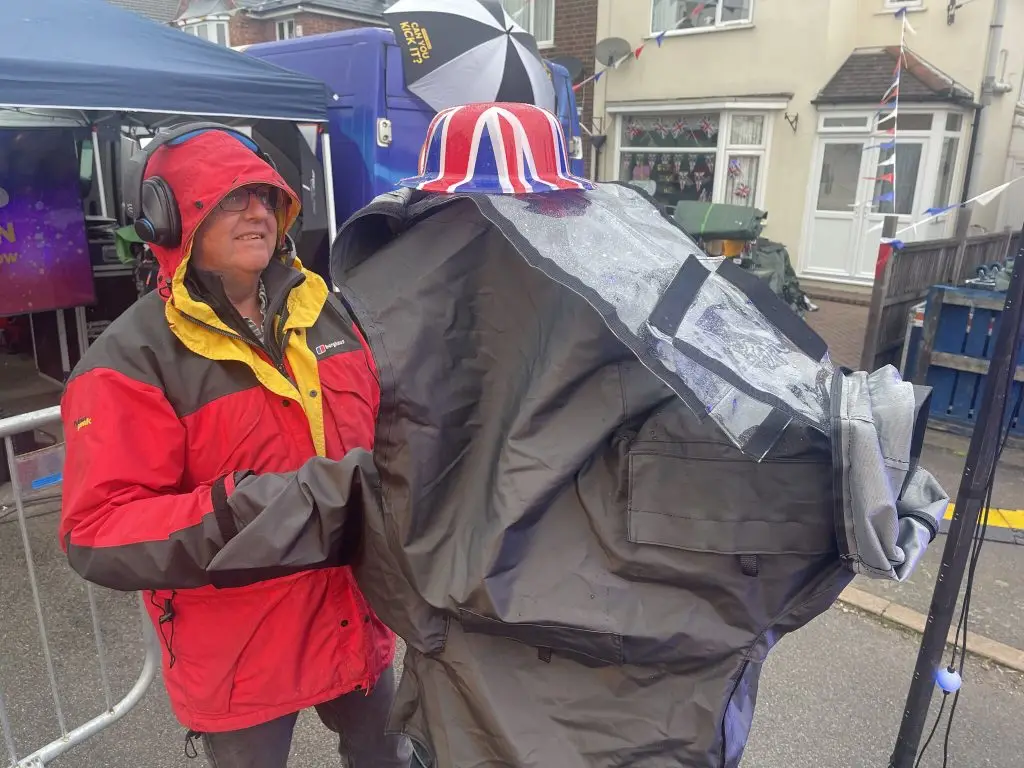
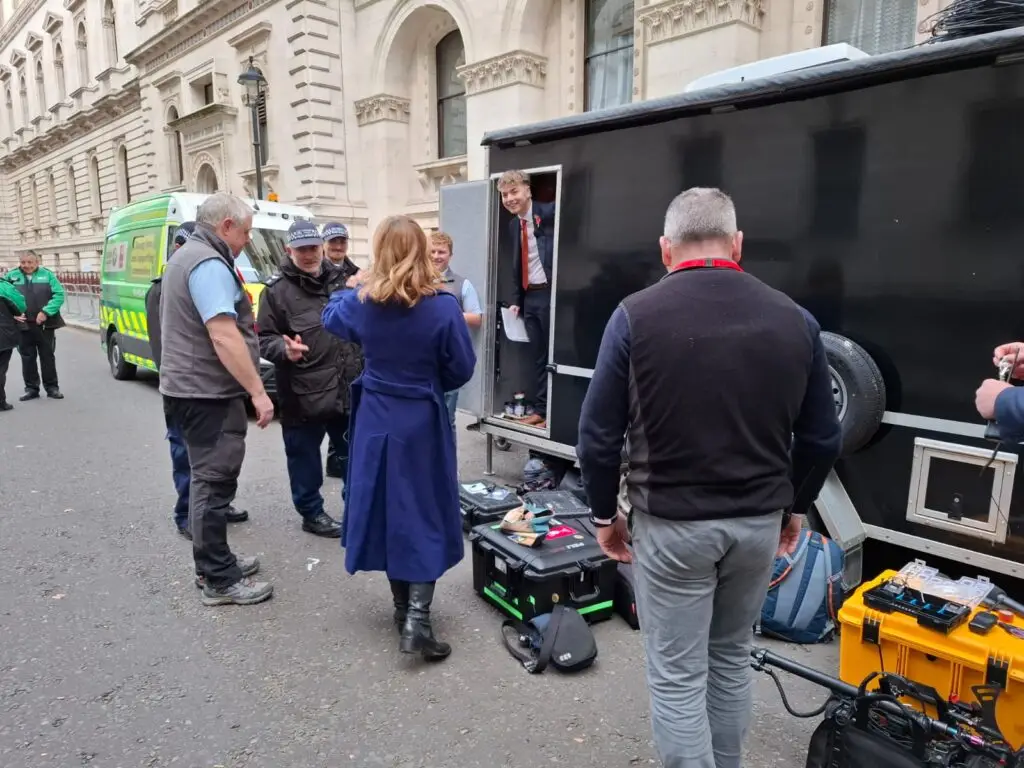
Armistice OB
Steve Ryder on camera and Mark Nuttall on sound join Sharon Thomas (Calender Girls fame)

To meet the requirements, we designed a broadcast-grade, scalable workflow equipped to handle both high viewership and multi-platform distribution.

🔹 Cameras & Crew

A six-camera 4K setup covered the stage, audience, reaction shots and backstage areas. Meanwhile, a dedicated team — including a Director, Vision Mixer, Sound Engineer and multiple Camera Operators — ensured smooth coordination and continuous coverage.

🔹 Vision Mixing & Graphics

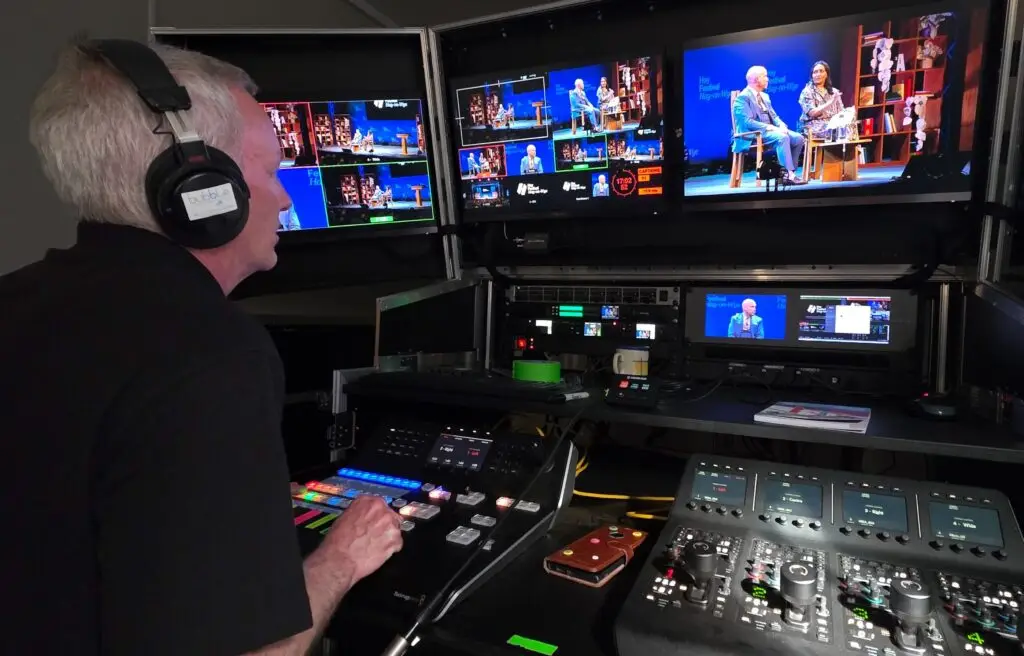
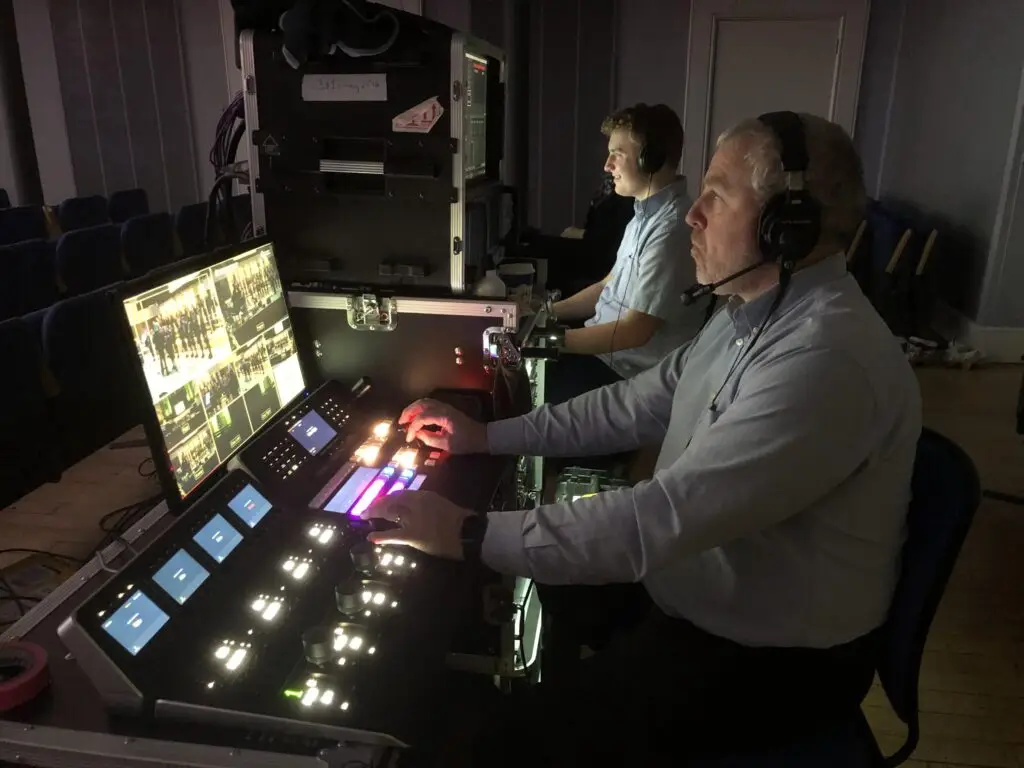
Live switching was handled through a Blackmagic ATEM 8K Constellation, allowing rapid transitions between camera angles. Furthermore, we integrated:

  • Lower thirds

  • Branded overlays

This provided a polished, television-style viewing experience.

🔹 Encoding & Transmission

To improve resilience, we implemented parallel encoding paths:

  • Primary: LiveU hardware encoders

  • Backup: Blackmagic encoders

Additionally, we delivered using bonded 4G/5G uplinks, ensuring the stream never relied on a single service. As a result, we could transmit SRT feeds to YouTube, Facebook Live and Vimeo Enterprise concurrently.

🔹 Audio & Comms

A full PA mix fed directly into the stream, while an internal comms network allowed the director, operators and control truck to respond instantly to changes on the ground.

The Infrastructure: Purpose-Built for Scale

Delivering a stream to 100,000+ concurrent viewers requires significant infrastructure. Therefore, we used adaptive bitrate encoding so that viewers with slower connections could still watch smoothly. Additionally, CDN distribution through Vimeo  provided the global capacity needed to support heavy traffic without performance dips.

To increase reliability even further:

  • Redundant feeds were sent to separate ingest servers

  • Real-time analytics monitored latency, playback behaviour and live viewer numbers

Consequently, the entire broadcast ran without buffering, frame drops or audio loss.

Production Day: A Broadcast Operation in Motion

Our team arrived a day early to complete setup and deploy cabling on the street. Once the event went live, the production ran like a coordinated TV broadcast.

During the stream:

  • The Director called shots and managed pacing

  • The Vision Mixer handled transitions and source selection

  • The Technical Director monitored stream health, backups and CDN performance

  • The Marketing Team received live viewer statistics and engagement updates

Throughout the event, audience numbers climbed steadily and peaked at more than 100,000 concurrent viewers, eventually surpassing 250,000 total views within 48 hours.

Post-Event Results & Highlights

Once the event concluded, we supplied:

  • A high-quality master recording

  • Short highlight edits for social media

  • A comprehensive analytics report detailing viewer behaviour, watch time and geographic distribution

Feedback from the client was overwhelmingly positive:

“The quality was exceptional — smooth, professional, and exactly what we hoped for. We can’t believe how effortless it looked to the viewer.”

What We Learned: Key Takeaways for Large-Scale Streaming

Even with months of preparation, high-audience live streams always require agility. Several lessons stood out during this broadcast:

✔ Over-provision your internet capacity

It’s always safer to double (or triple) your estimated requirement.

✔ Redundancy is essential

Backup encoders, power supplies, audio paths and network links can prevent issues long before they reach the viewer.

✔ Test all platforms in advance

Simultaneous test streams highlight issues that isolated tests may miss.

✔ Skilled technicians make all the difference

A knowledgeable team can predict, prevent and resolve technical challenges instantly — ensuring complete reliability.

Ready to Scale Your Next Live Stream?

Whether you’re planning a conference, product launch, music festival or national broadcast, scaling a stream to large audiences doesn’t have to be intimidating. With broadcast-grade systems and a proven production workflow, Bubble Production can deliver multi-camera live streaming across the UK with the same reliability used for six-figure audience events.

🎥 Want to reach tens of thousands of viewers — reliably?

Contact our team to discuss your next large-scale live stream.

Team Bubble at Superleague Triathlon – High-Energy Sports Coverage from London Docklands

live streaming sports

#Team Bubble
Team Bubble is back at Superleague Triathlon, delivering another action-packed weekend from the London Docklands.
With just four cameras and one portable production unit, our team brought the event to life with fast-paced, high-energy sports presentation services — capturing every moment of the competition with precision.

Superleague has done for triathlon what T20 did for Test cricket: added speed, drama and a brand-new level of fan excitement. The short formats, intense racing and incredible athletic performances kept the audience hooked from start to finish — and we were there to cover it all, from the opening gun to the final sprint.

A brilliant weekend of elite sport and a pleasure to help bring the atmosphere to screens everywhere.

How to Look Your Best on Zoom or Teams: Professional Tips for Positioning, Backgrounds, Lighting & Angles

how to look good on zoom

How to Look Your Best on Zoom or Teams: Professional Tips for Positioning, Backgrounds, Lighting & Angles

In a world where virtual communication is now part of everyday business, appearing confident and professional on screen is essential. Whether you’re hosting a meeting on Zoom, presenting on Microsoft Teams, or recording remote video content, how you position yourself on camera has a huge impact on how your message is received.

At Bubble Production, we specialise in helping individuals and businesses look great on video—here are our expert tips for getting the best from every online meeting.
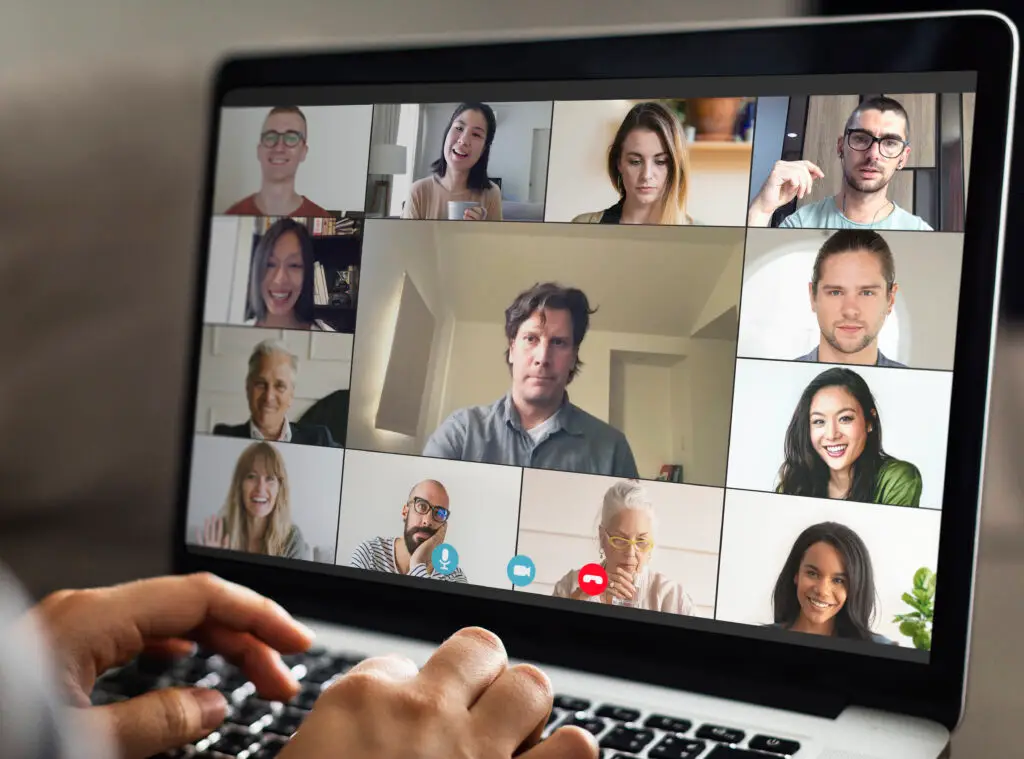
Colleagues having a video conference during the coronavirus pandemic

1. Position Yourself Correctly for Zoom and Teams Meetings

✔️ Do:

  • Keep your webcam at eye level for a natural, engaging angle that builds trust.

  • Centre yourself in the frame, with your eyes on the upper third—this is the same technique used in professional filming.

  • Maintain a comfortable distance from the camera. A head-and-shoulders shot is ideal for clarity and connection.

✖️ Don’t:

  • Use a low laptop angle that creates unflattering upward shots.

  • Sit too close or too far away.

  • Slouch or drift out of frame.

Good positioning immediately improves your presence in any virtual meeting.


2. Choose the Right Background for Video Calls

Your background says more about you than you might realise.

✔️ Do:

  • Use a clean, uncluttered background that looks professional.

  • Add simple elements—plants, artwork, or subtle branding—to create warmth.

  • Sit a little away from the wall to add depth to the shot.

✖️ Don’t:

  • Sit in front of open doors, messy spaces, or bright windows.

  • Use the blur effect to blur your backgrounds – it just looks terrible
  • Rely solely on virtual backgrounds, which can flicker and distract during Zoom or Teams calls.

A well-thought-out background enhances your credibility and reduces distraction.


3. Improve Your Lighting for Better Video Quality

Lighting is one of the biggest influences on how professional you appear on camera.

✔️ Do:

  • Face a natural light source such as a window for soft, flattering light.

  • Use a ring light or desk lamp to evenly illuminate your face.

  • Add a small backlight to separate yourself from the background.

✖️ Don’t:

  • Sit with a bright light behind you—this creates heavy shadows.

  • Use harsh overhead lighting that emphasises lines or textures.

  • Forget to adjust lighting as the daylight changes.

Great lighting enhances video clarity and ensures you look polished on Zoom or Teams.


4. Use Better Camera Angles for More Professional Video Calls

✔️ Do:

  • Keep your camera straight or slightly angled downward for the most flattering shot.

  • Stabilise your device—use a tripod or laptop stand.

  • Preview your frame before the meeting starts to ensure consistency.

✖️ Don’t:

  • Use awkward angles that show ceilings or cut off your head.

  • Constantly move your camera; keep it steady throughout.

Simple angle optimisation can dramatically improve how professional you appear.


5. Enhance Your Audio Quality for Online Meetings

People will forgive slightly imperfect video—but poor audio can ruin a call.

✔️ Do:

  • Use headphones, earbuds, or an external microphone.

  • Mute notifications and background noise.

  • Choose a quiet, private space when possible.

✖️ Don’t:

  • Rely on your laptop microphone in echoey rooms.

  • Type loudly while unmuted.

  • Let background noise interrupt your presentation.

Clear audio helps maintain attention and ensures your message is heard.


6. Bring Energy and Engagement to Your Virtual Meetings

✔️ Do:

  • Maintain eye contact by looking into the camera occasionally.

  • Smile—warmth translates incredibly well on video.

  • Use expressive gestures within the frame.

✖️ Don’t:

  • Stare at your own video feed too much.

  • Appear bored or disengaged.

  • Sit motionless—natural movement makes you relatable.


Final Thoughts

You don’t need a full studio setup to look polished online. By improving your positioning, background, lighting, angles, and audio, you’ll instantly elevate your presence during Zoom meetings, Teams calls, and virtual presentations.

If you want help creating professional online content or producing virtual events, Bubble Production can support you with expert filming, editing, and remote recording solutions.
Why Video Wins — And Why Engagement Matters Even More

New Balance launch Furon and Visaro football boots

Video has become the default promotional tool for brands. We’ve all seen the statistics proving that video outperforms text and static images, but the real takeaway is simple: audiences connect more deeply with moving, dynamic content.

But today, success isn’t just about having video online — it’s about how you use it and how effectively you interact with your viewers. Traditional broadcast still has its place (BBC News at Six still reaches around 3 million viewers), yet those numbers pale in comparison to the daily reach of YouTube creators attracting similar figures within niche communities. Why? Younger audiences know exactly what they want to watch — and they want it on demand, wherever they are — with the ability to react, comment, and be part of the moment.

At Bubble Production, we see this first-hand. We regularly live stream motor racing, triathlons, concerts and events across the UK, and the real power doesn’t just lie in the viewer count — it’s in the conversation. During a race weekend, we’ll stream to 40–50 Facebook channels simultaneously, generating thousands of comments, reactions and live discussions. That’s the difference: people aren’t just watching; they’re participating.
Great content today isn’t measured purely by production values or storytelling. Its impact is measured by what happens around it — the headlines, the chatter, the social buzz. Think of how BBC One’s ‘The Bodyguard’ dominated conversations online and in the press; people weren’t just tuning in, they were talking about it everywhere.

And brands can tap into the same effect. The example above shows it perfectly: create an event, collaborate with influencers who bring their audiences with them, introduce a spark of drama, and suddenly viewers forget they’re watching branded content at all. Better yet, the interaction explodes — hundreds of thousands of views and streams of comments rolling in. That’s a truly engaged audience.

So can this be replicated? Absolutely. It simply requires a shift in mindset. Stop relying on the same old formats because “that’s how it’s always been done.” Go live. Invite participation. Build a space where your audience feels part of the experience. Engagement is a two-way street — if you stay passive, so will your viewers.

Go Green… Stream: Save Carbon, Save Money

Go gren..stream your conference

“Going green” and “saving money” are often seen as competing priorities — but with smart planning, live streaming can deliver both. A recent two-day hybrid conference we produced is a perfect example, showing how switching part of an event online can significantly reduce carbon emissions and cut costs, without compromising the experience.

For this project, we calculated the CO₂e impact of broadcasting the event live over the web. The results were remarkable: nearly 240 tonnes of CO₂e saved across the two days, and over £100,000 in reduced travel and accommodation costs — all while successfully delivering the conference to a global audience.

What We Changed — And Why It Worked

The event originally hosted 250 delegates in person at a North European conference centre. Attending required flights and two nights of accommodation, averaging at least £1,500 per person.

Instead, 78 delegates joined remotely via our secure live streaming platform, complete with multilingual participation, live Q&A and full interactivity. By avoiding long-haul flights for those 78 delegates, the event saved more than 165 tonnes of CO₂e on the first day alone — with no loss of engagement or involvement.

Hybrid Events Aren’t Anti-Conference — They’re Smart Conferences

We’re not suggesting the end of physical conferences. In-person connection is valuable. But combining on-site attendance with high-quality live streaming is a simple, effective way to increase sustainability, reduce costs and make events more inclusive.

With the right technology and the right partners, hybrid events can deliver:

  • Major reductions in carbon emissions

  • Significant savings on travel and accommodation

  • Full audience participation across multiple languages

  • A seamless, professional broadcast experience

If your organisation wants to save money, reduce environmental impact and still deliver exceptional events, this is the ideal time to rethink how conferences are run. Smarter, more sustainable choices are already possible — and we’d be happy to help you make them.

Start the New Year with 20% Off Our Live Streaming Package

A new year is on the way — the perfect time to refresh your communication strategy. Whether you need to brief staff, launch a product or broadcast an event, our 20% off Live Streaming Offer is a cost-effective way to start the year with smarter, greener working methods.

Live streaming helps you save money, time and CO₂e, while reaching audiences anywhere in the world via the web. And we provide everything you need to make your broadcast seamless.

What’s Included in the Live Streaming Package?

Our offer includes a complete live production setup for one day:

  • One of our professional Outside Broadcast trucks

  • Three-person crew:

    • Vision-mixing director

    • Camera operator

    • Technical engineer

  • Three cameras (two fixed, one manned)

  • All supporting broadcast equipment

  • Up to four hours of live streaming

  • Streaming to social media or a secure private platform

New Year Offer Price

Standard rate: £2500 + VAT
New Year offer: £2000 + VAT
Valid for bookings made and paid for in 2017.

The Small Print

  • Includes 150 miles of travel from our Midlands base

  • Call times before 09:00 or locations more than two hours away may require overnight crew accommodation

  • Price covers a 10-hour day

  • Excludes: data costs for private platforms, microsites, pre-event filming, post-production and presenters

If you want to learn more or check availability, call us or drop us an email — we’re happy to help.

Black Friday & Cyber Monday Bubble Bargain — Save 20% on Live Streaming
Our Black Friday and Cyber Monday deal has arrived — and it runs all the way to Christmas 2017. Book any event within the next twelve months and secure 20% off our standard live streaming package when you pay now.

The usual price is £3000 + VAT, but during this offer you’ll pay just £2500 + VAT.

What’s Included in the Live Streaming Offer?

You’ll get a complete live streaming setup for a full day, including:

  • One of our professional Outside Broadcast vehicles

  • Three cameras – 1 operated and to fixed

  • A vision-mixing director

  • Streaming to screens on-site or live to the web
  • Your choice of a private, secure channel or public social media broadcast

  • Any UK mainland location

  • The first 150 miles of travel included

This package gives you everything you need for a reliable, professional live broadcast.

What’s Not Included?

A few extras fall outside the offer price:

  • Additional cameras or crew

  • Early call times or overnight accommodation

  • Data costs for satellite, bonded 4G, or private hosting

  • Travel beyond the first 150 miles

We can discuss any of these options with you before you book.

What Can You Use the Live Streaming Offer For?

Clients use our live streaming services for a huge range of events — from internal messages and corporate meetings to major international events.

Because we operate independently of landline internet, we can broadcast from almost anywhere using satellite or bonded 4G. If you need your event online, we can make it happen.

LIVE video continues to dominate online engagement. Facebook Live videos, for example, are viewed three times longer than pre-recorded content. If you want your message, event or announcement to cut through, LIVE is the way to do it.


Private or Secure Streaming? No Problem.

For private events, we offer:

  • Secure streaming via password-protected channels

  • Custom microsites

  • Access to our youreventlive.tv platform

  • Embeddable players for your own intranet or website
Ready to Book?

Booking is easy — just visit our Contact page or call 03301 339906 to 6speak with us about your event.

2km of Cable and 17 Cameras: Filming the Battle Proms
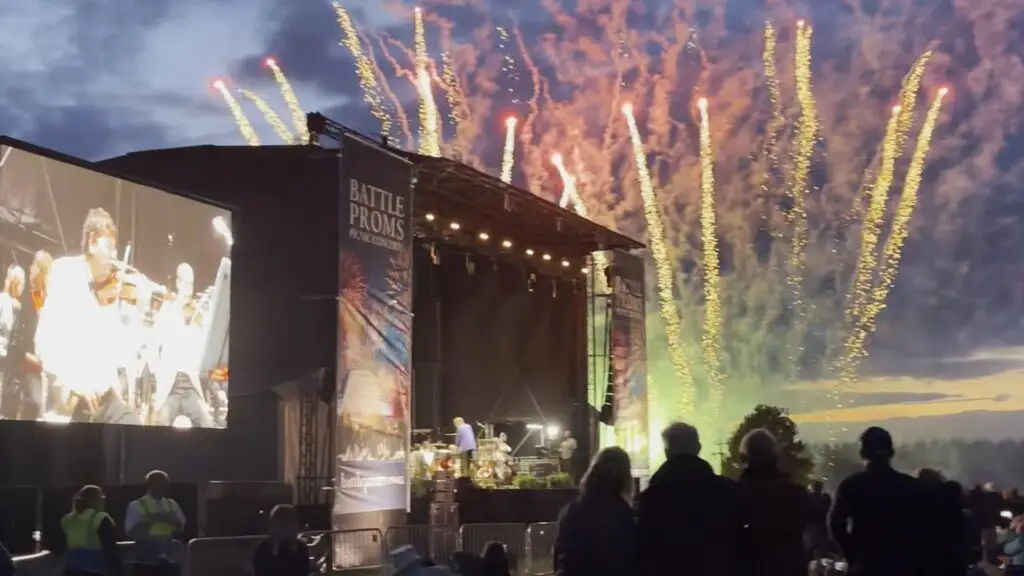
Will filming the Battleroms stage

What a season. Five shows, around 10,000 spectators at each, more than 2km of cabling, 15 cameras, two robotic cameras, a 25m² screen, a four-person crew and a musical director. The Battle Proms is an incredible production — and this year was our first time delivering it.

Every event brings its own technical challenges, and Battle Proms was no exception. The scale alone meant long cable runs, remote camera positions and, in one case, a lake directly in our path.

Overcoming Technical Challenges (Including a Lake)

At Ragley Hall, we needed to get two fixed cameras positioned across the water to capture the spectacular field of 200 cannons. The solution? Running 1.5km of fibre through the lake to connect both sides. Fortunately, we had a boat on hand — nobody was volunteering for a swim. (Note to self: hire a braver crew.)

Capturing the Orchestra Up Close

The orchestra brought a completely different challenge. We wanted audiences to see and feel the performance from a new perspective — close, intimate, and inside the music.

By placing HD mini-cams among the music stands, we created a viewpoint that isn’t possible from the audience area, and it also meant fewer operators on stage. But great visuals rely on more than camera placement. That’s why our musical director, Cayenna, reads the score in real time, guiding our vision director to capture the right musician at the right moment. The result is a seamless production where the visuals hit the musical cues perfectly — not reactively, but intentionally.

Maximising Efficiency With a Minimal Crew

As a Social Enterprise committed to reducing our environmental impact, we always work with the leanest crew possible. For Battle Proms, that meant two extremely busy camera operators, each responsible for multiple positions over the seven-hour shows.

Pre-deployed cable runs allowed the operators to move quickly between locations as the event unfolded, ensuring we always captured the strongest angles without compromising safety, quality or storytelling.

The Dramatic Finale

And of course — the evening gun salute. The First World War 18-pounder cannon catches even the most seasoned cameraman off-guard every time. John and his gun crew were brilliant throughout the season, helping us plan safe shot positions while still pushing for new, dynamic angles.

It’s been a fantastic first season working with the Battle Proms team, and we’re already looking forward to the next.


Photo Gallery: Memories From Our Productions

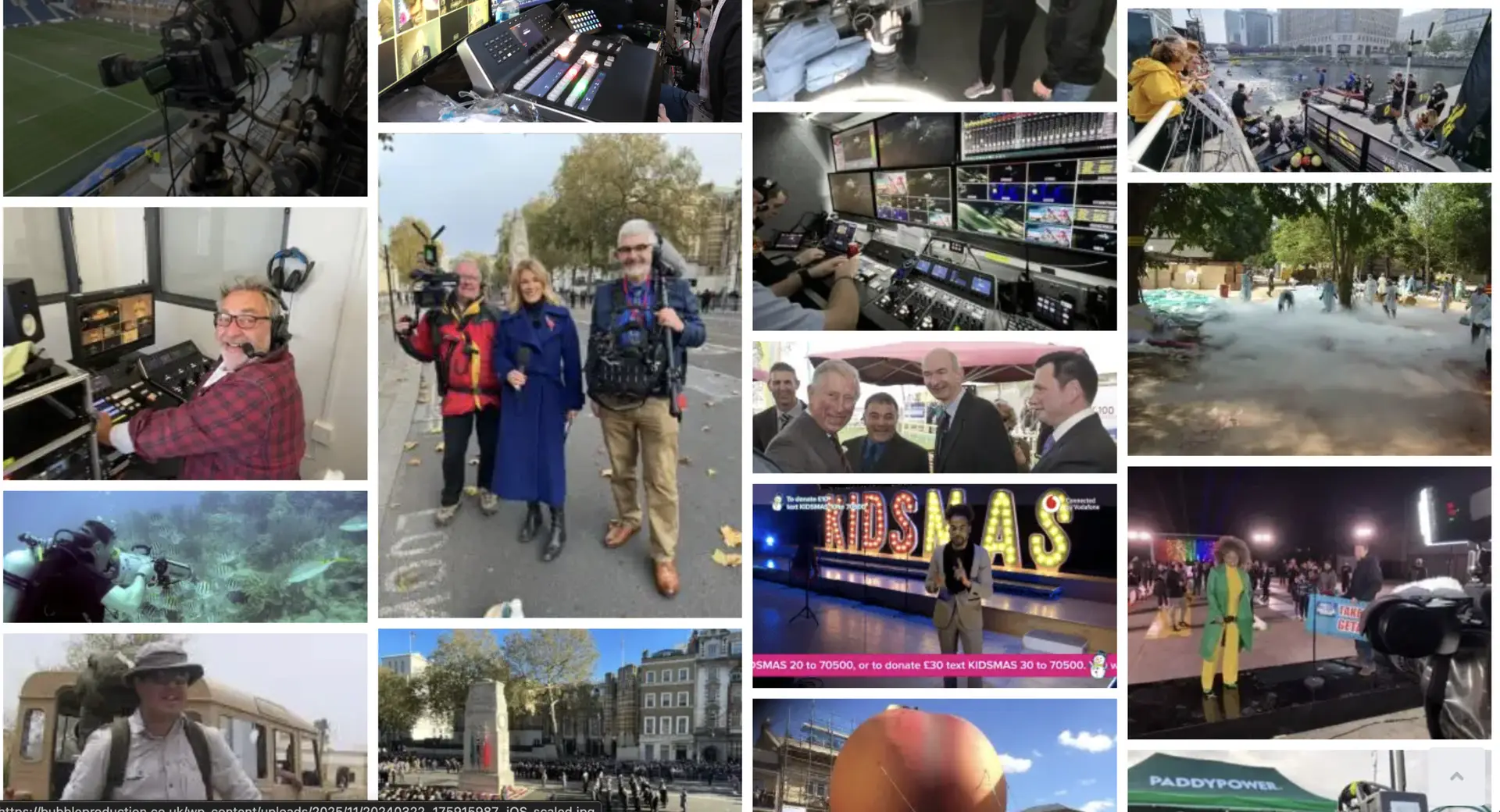
Welcome to our photo gallery — a collection of behind-the-scenes moments and highlights from recent Bubble Production projects. We’re often so busy delivering events that we forget to capture them, but here are a few favourites from the jobs we did manage to photograph.

If you have photos from projects we’ve worked on for you — or ones we collaborated on together — we’d love to include them. Please email your images to graham.ess@bubbleproduction.co.uk.

Want to see more of our work in action?
Visit our YouTube channel for live streaming examples, event highlights and behind-the-scenes clips.