Multi-Camera vs Single Camera — Which Setup Is Best for Your Live Stream?
When planning a live stream or video production, one of the most important decisions you’ll make is choosing between a single-camera setup or a multi-camera production. Both options are widely used across UK events, but the right choice depends on your budget, event style, and the level of quality your audience expects.
At Bubble Production, we deliver everything from simple one-camera corporate streams to full broadcast-grade multi-camera shows across the UK. This guide will help you understand the difference so you can choose the setup that best fits your event.
What Is a Single-Camera Setup?
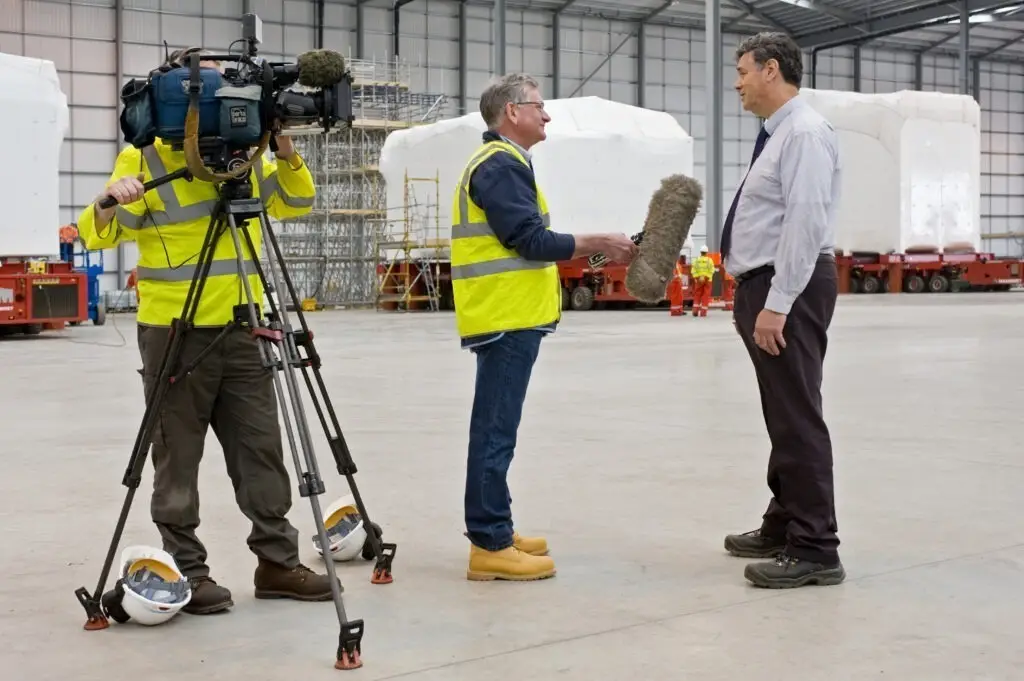
A single-camera setup uses one camera operator capturing the entire event from one viewpoint. It’s simple, reliable and cost-effective — ideal for smaller events with minimal movement.
Best For:
-
Corporate webinars and presentations
-
Training sessions
-
Interviews and talking-head videos
-
Small performances
-
Events where speakers remain in one position
Pros of Single Camera
✔ Low cost
✔ Quick setup and fewer crew
✔ Perfect for straightforward content
Cons of Single Camera
✘ Limited visual variety
✘ Difficult to capture audience reactions
✘ If the camera view is blocked, the shot is lost
Best choice when: you need a clean, simple and affordable stream without the need for dynamic coverage.
What Is a Multi-Camera Setup?
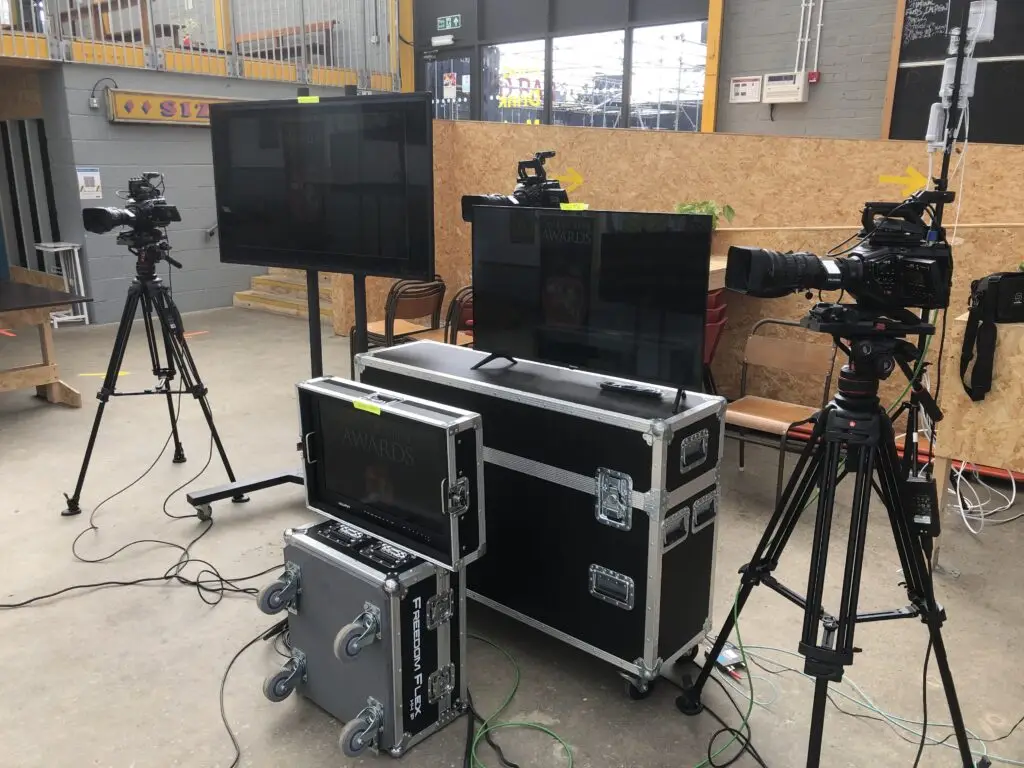
A multi-camera setup uses two or more cameras positioned around the venue to capture multiple angles. A vision mixer or director switches between these cameras live, delivering a dynamic, broadcast-quality viewing experience.
Best For:
-
Live music, theatre and performance events
-
Awards ceremonies and product launches
-
Corporate conferences and hybrid events
-
Sports, outdoor events and panel discussions
Pros of Multi-Camera
✔ Visually engaging and professional
✔ Smooth coverage of movement and audience interaction
✔ Perfect for high-profile or public-facing content
✔ Built-in redundancy — if one camera fails, others continue
Cons of Multi-Camera
✘ Higher cost (additional crew, cameras and coordination)
✘ Longer setup time
✘ Requires experienced technical operators
Best choice when: you want to impress viewers, capture every moment, and deliver a polished broadcast-level production.
Single Camera vs Multi-Camera: Side-by-Side Comparison
| Feature | Single Camera | Multi-Camera |
|---|---|---|
| Crew Size | 1 operator | 2–6+ including director, operators, audio |
| Setup Time | 30–60 minutes | 2–4 hours |
| Visual Style | Static, simple | Cinematic, dynamic, engaging |
| Best For | Talks, webinars, interviews | Live shows, sports, conferences |
| Cost Range (UK 2025) | £500–£1,000 | £1,500–£5,000+ |
Which Setup Should You Choose?
To determine the right approach, ask yourself:
-
Will multiple angles improve the story or audience engagement?
-
How important is visual quality for your brand or sponsors?
-
Do you want your audience to share, rewatch or repurpose the content?
Choose Single Camera if:
-
You’re running a small or internal event
-
The presenter is static
-
You need a simple, budget-friendly option
Choose Multi-Camera if:
-
The event is public, high-profile or visually dynamic
-
You want cinematic production value
-
Audience engagement is a priority
The Professional Difference
While DIY live streaming tools exist, professional multi-camera production guarantees:
-
Perfectly timed camera cuts
-
High-quality graphics, titles and lower thirds
-
Clean, balanced audio
-
Robust streaming with redundancy
-
A highly polished final result
At Bubble Production, we combine creative filming with broadcast-level engineering to ensure your stream looks exceptional and runs flawlessly.
FAQ Section
Is a single-camera setup good for live streaming?
Yes. Single-camera streaming is ideal for simple, static or low-budget productions such as webinars and internal communications.
Why choose a multi-camera setup for events?
Multi-camera setups create more dynamic, engaging and professional broadcasts, ideal for conferences, performances and high-profile events.
Is multi-camera live streaming more expensive?
Yes — more cameras and operators increase cost. However, the visual quality and viewer engagement are significantly higher.
How many cameras do I need for my event?
Most events benefit from 2–3 cameras: one wide shot, one close-up and one audience or movement camera.
Can I upgrade from single to multi-camera later?
Absolutely. Many clients start with single-camera coverage and upgrade as their events grow in scale.
📞 Ready to Plan Your Next Live Stream?
Whether you need a simple single-camera webcast or a full multi-camera outside broadcast, Bubble Production provides professional live streaming services across the UK.
👉 Get in touch today for expert advice and a tailored quote.