

How to Look Your Best on Zoom or Teams: Professional Tips for Positioning, Backgrounds, Lighting & Angles
In a world where virtual communication is now part of everyday business, appearing confident and professional on screen is essential. Whether you’re hosting a meeting on Zoom, presenting on Microsoft Teams, or recording remote video content, how you position yourself on camera has a huge impact on how your message is received.
At Bubble Production, we specialise in helping individuals and businesses look great on video—here are our expert tips for getting the best from every online meeting.
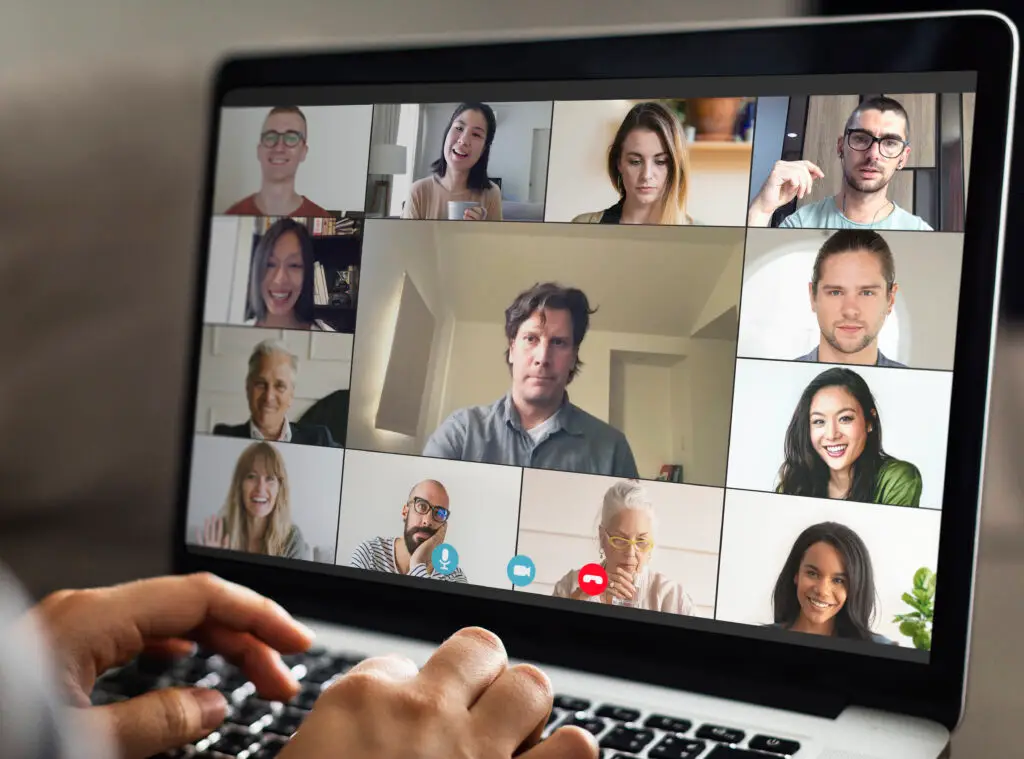
1. Position Yourself Correctly for Zoom and Teams Meetings
✔️ Do:
-
Keep your webcam at eye level for a natural, engaging angle that builds trust.
-
Centre yourself in the frame, with your eyes on the upper third—this is the same technique used in professional filming.
-
Maintain a comfortable distance from the camera. A head-and-shoulders shot is ideal for clarity and connection.
✖️ Don’t:
-
Use a low laptop angle that creates unflattering upward shots.
-
Sit too close or too far away.
-
Slouch or drift out of frame.
Good positioning immediately improves your presence in any virtual meeting.
2. Choose the Right Background for Video Calls
Your background says more about you than you might realise.
✔️ Do:
-
Use a clean, uncluttered background that looks professional.
-
Add simple elements—plants, artwork, or subtle branding—to create warmth.
-
Sit a little away from the wall to add depth to the shot.
✖️ Don’t:
-
Sit in front of open doors, messy spaces, or bright windows.
- Use the blur effect to blur your backgrounds – it just looks terrible
-
Rely solely on virtual backgrounds, which can flicker and distract during Zoom or Teams calls.
A well-thought-out background enhances your credibility and reduces distraction.
3. Improve Your Lighting for Better Video Quality
Lighting is one of the biggest influences on how professional you appear on camera.
✔️ Do:
-
Face a natural light source such as a window for soft, flattering light.
-
Use a ring light or desk lamp to evenly illuminate your face.
-
Add a small backlight to separate yourself from the background.
✖️ Don’t:
-
Sit with a bright light behind you—this creates heavy shadows.
-
Use harsh overhead lighting that emphasises lines or textures.
-
Forget to adjust lighting as the daylight changes.
Great lighting enhances video clarity and ensures you look polished on Zoom or Teams.
4. Use Better Camera Angles for More Professional Video Calls
✔️ Do:
-
Keep your camera straight or slightly angled downward for the most flattering shot.
-
Stabilise your device—use a tripod or laptop stand.
-
Preview your frame before the meeting starts to ensure consistency.
✖️ Don’t:
-
Use awkward angles that show ceilings or cut off your head.
-
Constantly move your camera; keep it steady throughout.
Simple angle optimisation can dramatically improve how professional you appear.
5. Enhance Your Audio Quality for Online Meetings
People will forgive slightly imperfect video—but poor audio can ruin a call.
✔️ Do:
-
Use headphones, earbuds, or an external microphone.
-
Mute notifications and background noise.
-
Choose a quiet, private space when possible.
✖️ Don’t:
-
Rely on your laptop microphone in echoey rooms.
-
Type loudly while unmuted.
-
Let background noise interrupt your presentation.
Clear audio helps maintain attention and ensures your message is heard.
6. Bring Energy and Engagement to Your Virtual Meetings
✔️ Do:
-
Maintain eye contact by looking into the camera occasionally.
-
Smile—warmth translates incredibly well on video.
-
Use expressive gestures within the frame.
✖️ Don’t:
-
Stare at your own video feed too much.
-
Appear bored or disengaged.
-
Sit motionless—natural movement makes you relatable.
Final Thoughts
You don’t need a full studio setup to look polished online. By improving your positioning, background, lighting, angles, and audio, you’ll instantly elevate your presence during Zoom meetings, Teams calls, and virtual presentations.
If you want help creating professional online content or producing virtual events, Bubble Production can support you with expert filming, editing, and remote recording solutions.